




Description
POS Product Tags Search in Odoo
POS Product Tags Search in Odoo
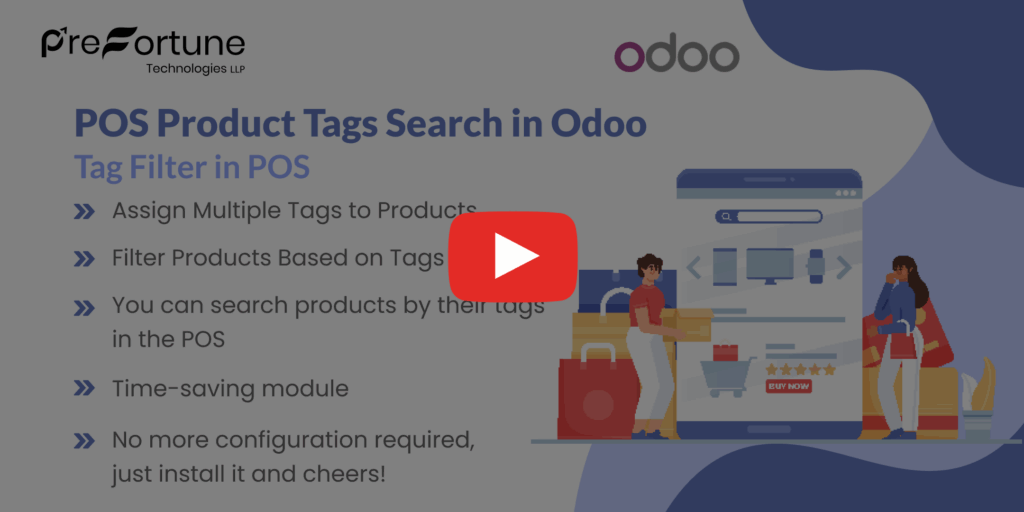
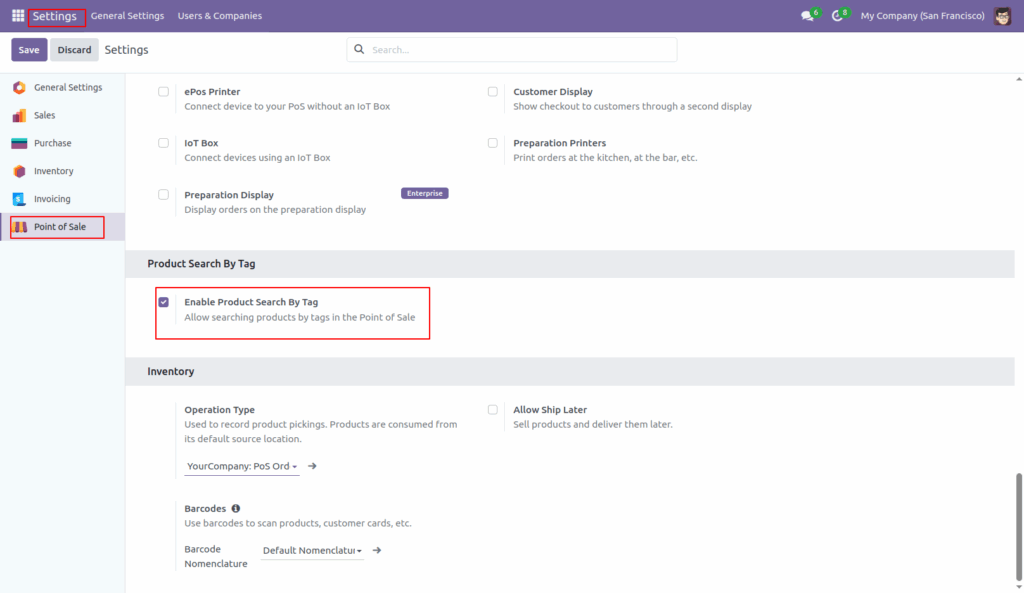
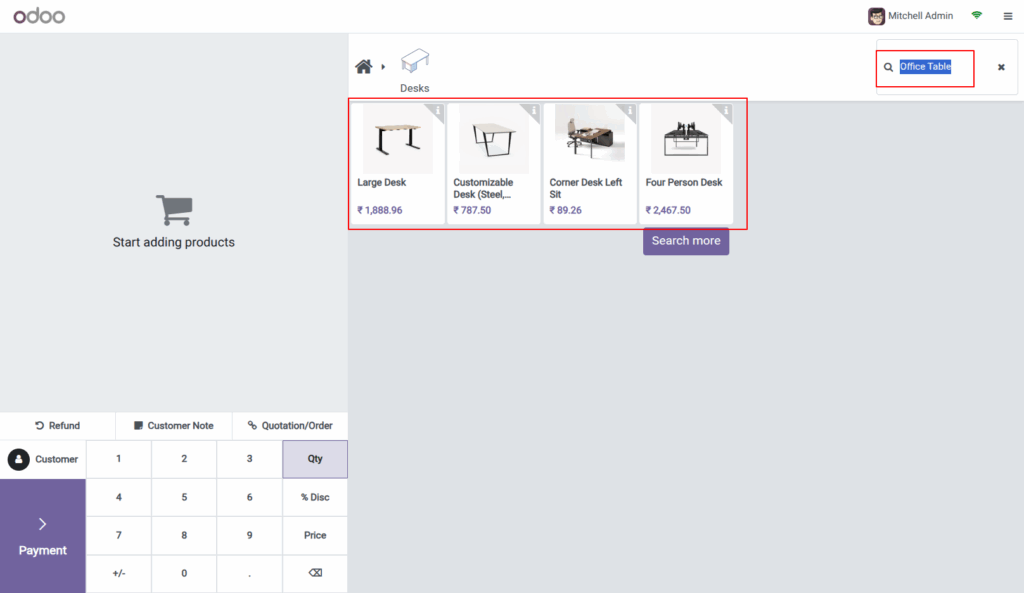
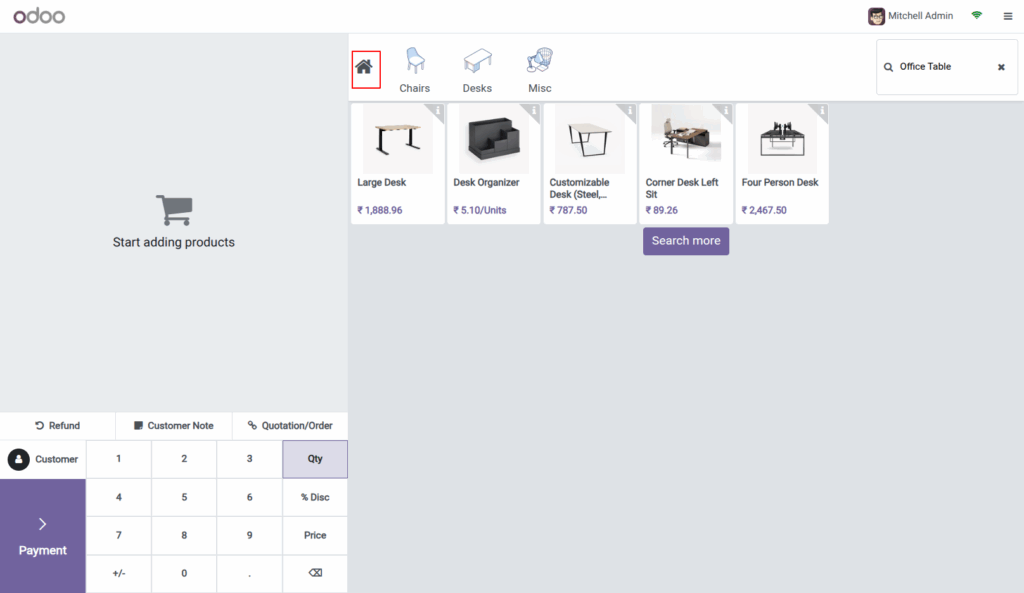
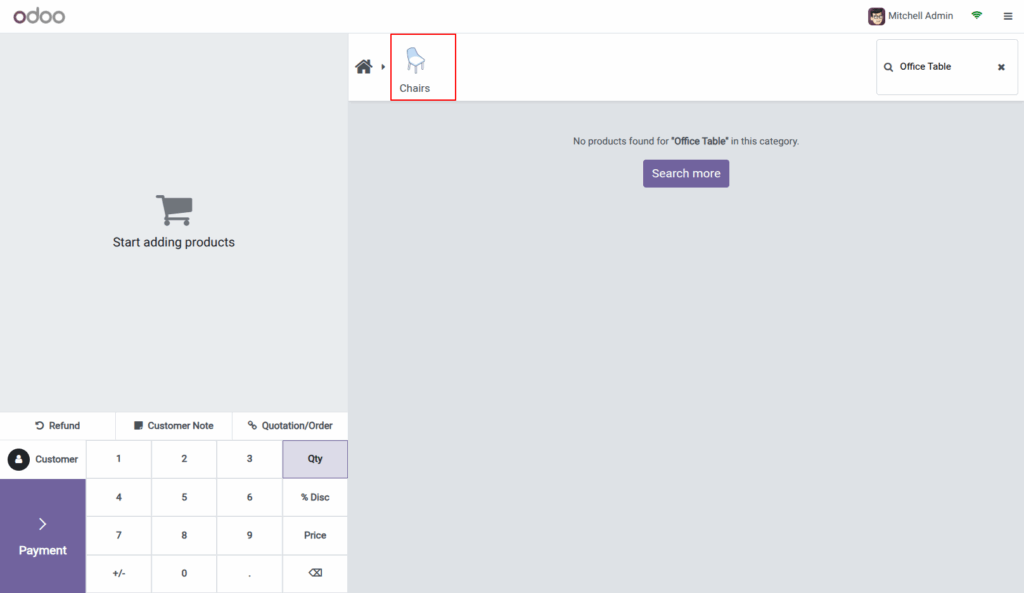
POS Product Tags Search allows users to quickly find and filter products within the Odoo Point of Sale (POS) interface. Instead of typing full product names, users can search using specific tag names assigned to items. This makes product discovery easier, especially during busy retail operations.
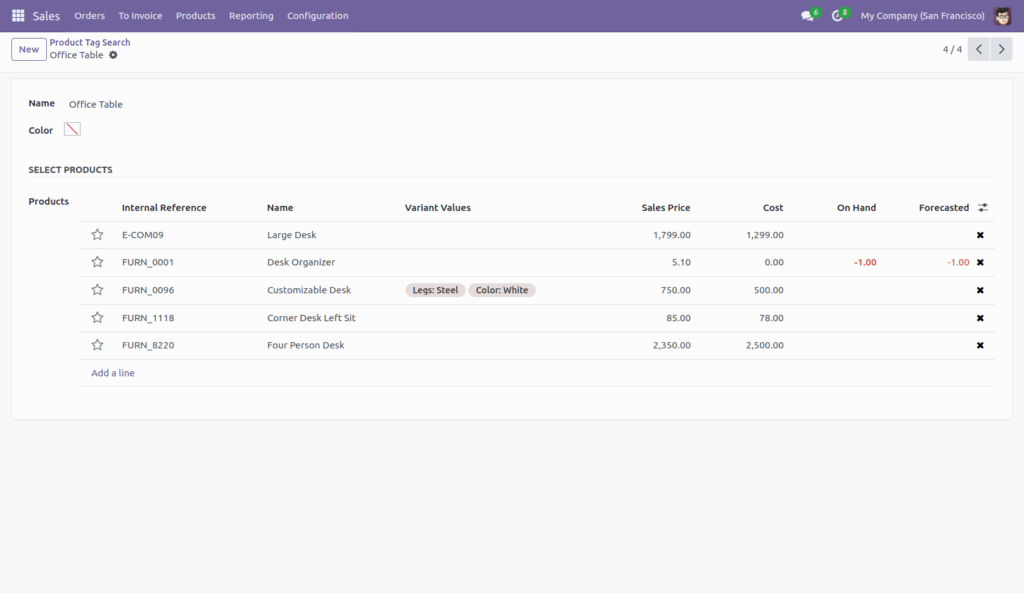
When this feature is enabled, users simply type a tag such as “Sofa,” “Desk,” or “Dining” into the POS search bar. Instantly, all products linked with that tag appear on the screen. As a result, it significantly improves product accessibility and speeds up the checkout process.
This feature becomes especially valuable for stores with extensive product catalogs or grouped product categories. For example, furniture outlets can tag by material or room type, while apparel stores may group items by size or collection.
Why Use Product Tag Search in POS?
The tag-based search improves operational speed and reduces manual search time. In addition, it ensures more accurate product selection. New staff can also benefit, as they won’t need to memorize product names or SKUs.
Watch Quick Video
Key Benefits:
-
Faster product lookup at checkout
-
Smarter inventory browsing using meaningful tags
-
Fewer mistakes when selecting similar items
-
Better customer service through quick assistance
To further enhance your POS system, check out our Odoo POS Barcode Integration and POS Role-Based Access Control modules. These solutions work seamlessly with product tag search to streamline operations even more.
Final Thoughts
In summary, POS Product Tags Search in Odoo is a simple yet powerful tool for improving POS efficiency. It boosts search accuracy, saves staff time, and enhances the overall shopping experience. If you’re looking to upgrade your Odoo POS, this feature is a must-have. You can also explore our full range of Odoo POS modules for more smart enhancements.










Reviews
There are no reviews yet.